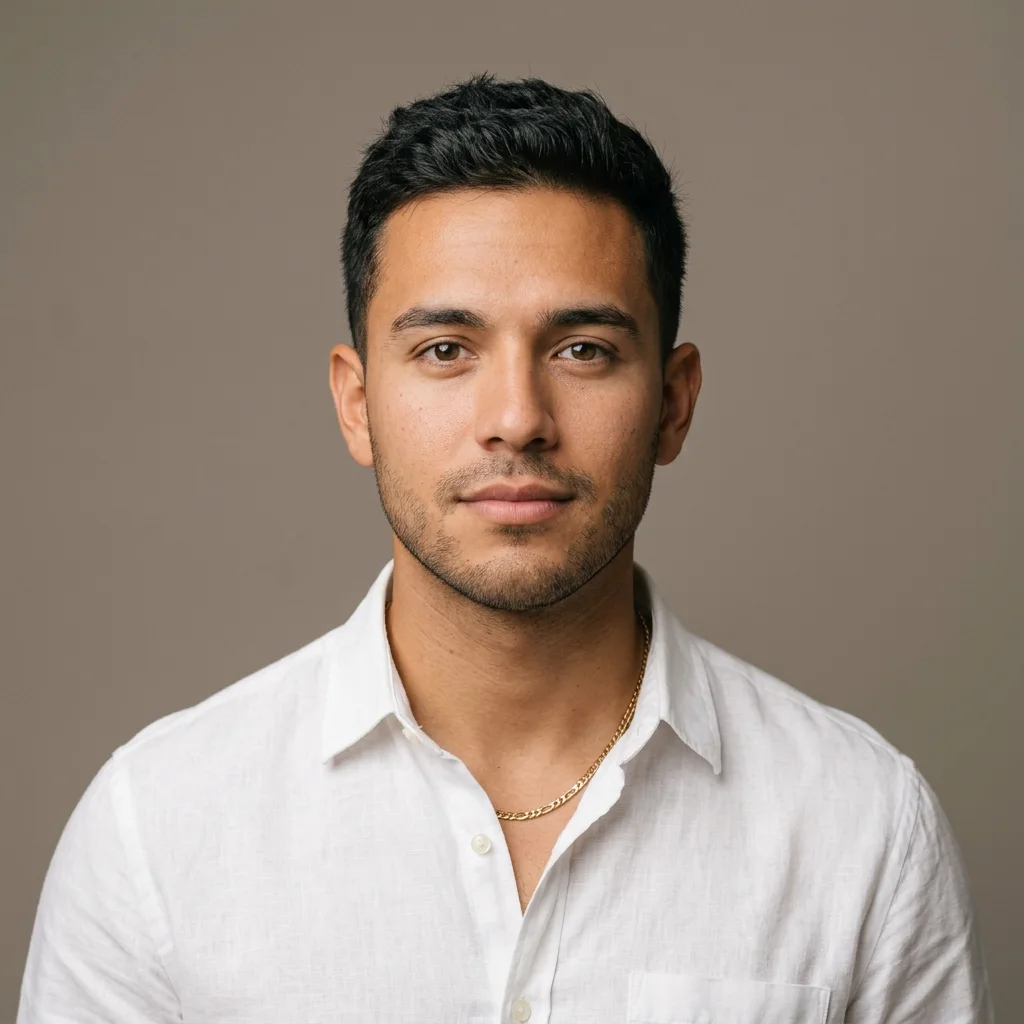
Turn One Portrait Into a Vice City Nightclub Cutscene
The GTA 6 Lap Dance Image-to-Video workbench anchors Seedance 2.0 directly to your uploaded portrait frame. Unlike loose text-only renders that invent a random character, first-frame conditioning keeps facial structure, hairstyle, and wardrobe direction consistent while animating smooth neon nightclub movement, volumetric pink-and-cyan lighting, and synchronized bass audio.
Recommended Portrait Checklist
- Single adult subject: Frame one person facing the camera with head and shoulders clearly visible.
- Even front lighting: Avoid heavy sunglasses, masks, motion blur, or harsh dark shadows across the face.
- Clothed PG-13 attire: Streetwear, jackets, clubwear, or stylized 3D avatars render cleanly and pass automated safety checks without delay.
- Under 5 MB in JPG, PNG, or WebP: Photos upload directly to temporary storage and auto-delete within 24 hours.
Want to generate a Vice City scene from scratch without uploading a photo? Switch to our Text-to-Video workbench or read our Portrait Photo Prep Guide.