Safe GTA 6 Club Parody Guide: PG-13 & 18+ Consent
TikTok, YouTube, and Instagram demonetize or remove explicit synthetic clips within minutes — stylized PG-13 game-parody club scenes keep both viewers and platform moderators happy.
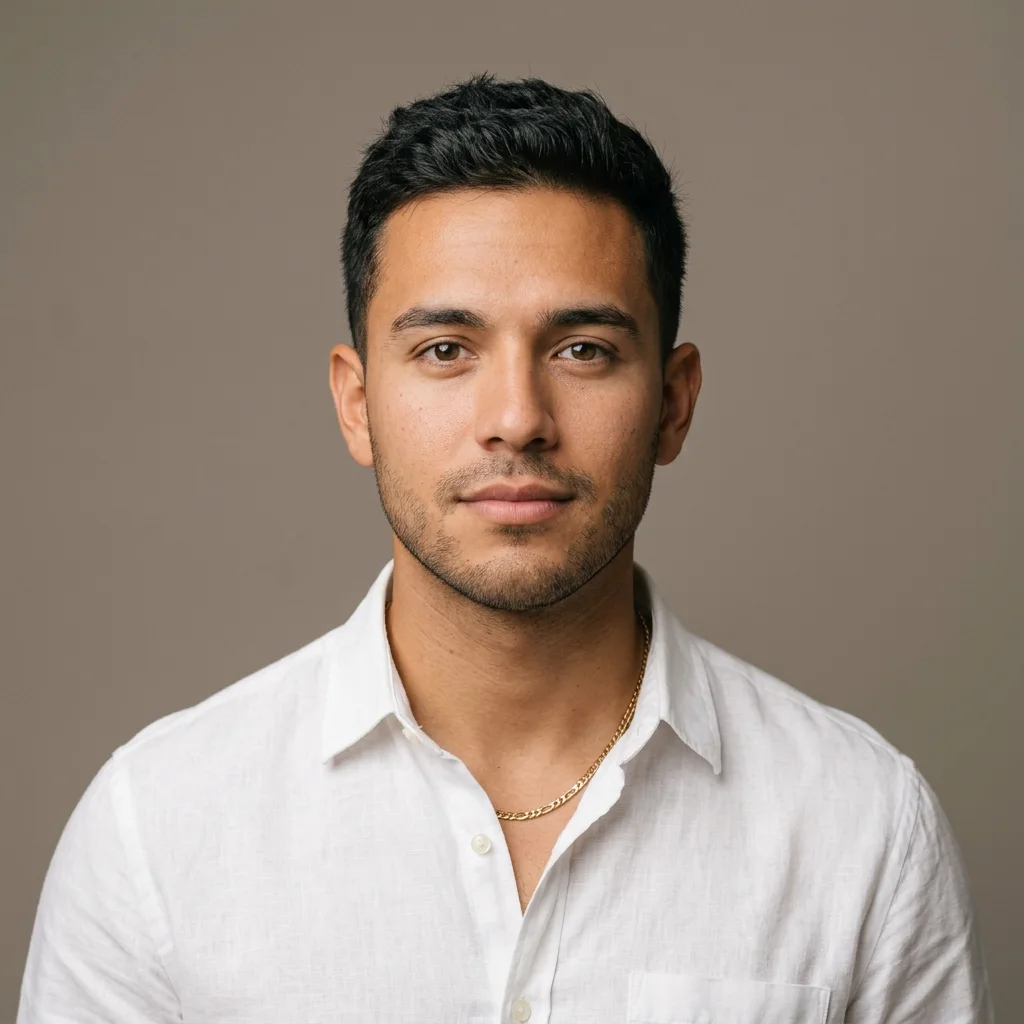
Best results: one adult subject facing the camera in even lighting, head and shoulders visible. Clothed PG-13 game-cinematic scenes only.
This clip: 30 credits (HD 720p · 8s) · 6 HD clips/mo on Pro ($39.90 / 200 cr), or 20 standard 480p clips/mo (10 cr each). Compare all 13 plans
Why PG-13 Safety & Consent Matters for GTA 6 Clips {#why-this-matters}
Creators searching for PG-13 AI safety and GTA 6 lap dance Vice City club clips share one clear goal: delivering a crisp, neon-drenched Miami nightclub cutscene that looks like a next-gen open-world trailer without burning days on 3D animation software. In 2026, short-form audiences scroll past flat, jittery AI renders in less than a second. What stops the thumb is lighting coherence, natural upper-body rhythm, camera stability, and synchronized nightclub bass audio.
When you use ByteDance Seedance 2.0 inside the GTA6 Lap Dance AI studio, the model simultaneously resolves spatial lighting, character motion, and audio timing. That matters especially for pg-13 safety & consent because dark club interiors punish weak diffusion models. Without deliberate contrast between warm magenta/coral highlights and cool cyan rim light, subjects melt into muddy shadows. By anchoring your render to our curated Neon VIP Lounge Booth environment and locking PG-13 clothed game-cinematic direction server-side, you spend credits on usable shots instead of broken retries.
Another crucial factor is honesty with viewers and social platforms. Gaming communities love clever Vice City fan trailers, reaction parodies, and "put my character in a GTA 6 club" memes when they are crisp, stylized, and transparent about being AI-generated. Our studio avoids explicit nudity and enforces fail-closed automated moderation before your render even enters the GPU queue, ensuring your finished watermark-free MP4 is safe for TikTok, Instagram Reels, YouTube Shorts, and Discord servers.
Output Route & Spec Comparison {#comparison-matrix}
Choose your generation mode and resolution based on the exact file you need to publish, rather than guessing blindly. Every aspect ratio (9:16, 16:9, and 1:1) costs the exact same number of credits on Seedance 2.0.
| What You Need | Starting Material | Recommended Studio Route | Credit Cost & Key Watchout |
|---|---|---|---|
| Fast TikTok/Reels hook test | 1 portrait photo or short prompt | Standard · 480p · 5s (Neon VIP Lounge Booth) |
10 credits — fastest way to validate framing before spending on HD |
| Ready-to-post vertical meme | Clear front-facing adult portrait | Image-to-Video · HD 720p · 5s | 20 credits — sharp facial lock; avoid sunglasses or heavy filters |
| Full Vice City club cutscene | Portrait or detailed scene brief | Default Studio · HD 720p · 8s | 30 credits — ideal balance of full camera sweep and beat drop |
| Widescreen YouTube trailer B-roll | Pure text prompt (no photo needed) | Text-to-Video · Cinema 1080p · 5s | 50 credits — maximum neon floor reflection clarity in 16:9 |
| Flagship hero sequence | Verified winning prompt & angle | Cinema Max · 1080p · 8s | 80 credits — spend confirmation shown before deducting credits |
Notice how this tiered workflow protects your budget. On our Monthly Pro plan ($39.90 for 200 credits — twice the credits of the $39.90 one-time Party Pack), a 10-credit Standard 480p draft costs just $2.00, letting you test three lighting or camera concepts before promoting the strongest winner to a 30-credit 8-second HD 720p master clip.
Step-by-Step Seedance 2.0 Setup {#step-by-step}
Follow this repeatable five-step checklist right inside the live workbench embedded above:
- Pick Image-to-Video or Text-to-Video: If you want a specific stylized character or consenting adult friend to star in the Vice City club scene, stay on Image-to-Video and drop a clear JPG, PNG, or WebP portrait (under 5 MB). If you want original fictional game characters from scratch, click the Text to Video tab.
- Select the
Neon VIP Lounge Boothpreset: Clicking the preset chip configures the underlying Vice City venue geometry, neon palette, and club haze so you do not have to write 200 words of lighting boilerplate. - Match camera motion to your platform: For vertical
9:16TikTok and Shorts clips, choose Steady Vertical 9:16 or Handheld Dolly-In so the dancer stays centered inside the safe zone above captions and like buttons. For16:9YouTube fan trailers, Low-Angle Spotlight or Slow 360° Orbit Pan delivers theatrical depth. - Add one concise action note: Keep your custom note under 40 words. Describe wardrobe texture (reflective bomber jacket, pastel Miami blazer, neon-trimmed streetwear), beat tempo (slow-motion synthwave drop or upbeat club rhythm), and camera energy. Avoid contradictory lighting adjectives.
- Review exact credit cost & render: Verify the credit counter on the primary button (
10 / 20 / 30 / 50 / 80 credits), confirm the 18+ PG-13 consent box, and submit. Seedance 2.0 typically returns a synchronized, watermark-free MP4 in 45–90 seconds, and any failed render automatically refunds your credits.
Tested Prompt & Camera Recipes {#prompt-recipes}
Use these modular prompt notes inside the studio's description box to focus specifically on pg-13 safety & consent while keeping motion fluid and clothing details sharp:
- Classic Vice City Neon VIP Cutscene: "Confident stylized club dance rhythm inside a velvet VIP lounge, hot magenta key spotlight and electric cyan rim reflections across dark glossy tile, subtle handheld camera sway, retro-Miami synthwave bass drop." Pair with Neon VIP Lounge Booth +
9:16+ Handheld Dolly-In. - Ocean Drive Twilight Energy: "Energetic retro-Miami streetwear dance groove on an open-air rooftop terrace overlooking glowing neon palm trees and sunset ocean skyline, smooth slow-motion turn on the beat, warm coral and violet strobe lights." Pair with Ocean Drive Rooftop Deck +
9:16+ Slow 360° Orbit Pan. - Trailer-Grade Duet Spotlight: "Dramatic next-gen open-world game trailer reveal on an Art Deco nightclub stage, crisp volumetric laser grid beams cutting through light club haze, synchronized bass pulse and confident pose." Pair with Vice City Trailer Duet Stage +
16:9+ Low-Angle Spotlight.
If you plan to publish a weekly series, keep one consistent camera preset across episodes so viewers instantly recognize your channel's visual signature. For deeper prompt engineering on neon reflections and portrait framing, compare Best Portrait Photos for GTA 6 Image-to-Video AI Without Face Drift and Seedance 2.0 vs Kling vs Sora for GTA 6 Vice City AI Dance Clips.
Common Mistakes That Waste Credits {#mistakes-to-avoid}
Even experienced AI video creators lose credits to five easily avoidable mistakes:
- Starting immediately at 1080p 8s (80 credits): Always validate composition and face lock on a 10-credit 480p 5s test or 20-credit 720p 5s clip before scaling up to 1080p.
- Uploading backlit or group photos: Seedance 2.0 Image-to-Video locks sharpest when one clearly lit face occupies the upper center of the frame. Heavy sunglasses, hats hiding the eyes, or dark party snapshots cause identity drift.
- Overstuffing conflicting style tags: Mixing "photorealistic documentary", "anime cel-shading", and "fisheye GoPro" in the same prompt confuses motion interpolation. Stick cleanly to stylized next-gen 3D Vice City game-cinematic lighting.
- Attempting prohibited explicit prompts: Prompts requesting nudity or explicit acts violate our Terms of Service and are blocked by automated moderation. Keep outfits stylized and PG-13 so renders finish cleanly on the first attempt.
- Ignoring subscription vs. pack math: If you render more than 10 standard clips per month, compare Monthly Pro ($39.90 = 200 credits) against One-Time Party Pack ($39.90 = 100 credits) — same checkout price, double the credits on Pro.
Frequently Asked Questions
What is the best Seedance 2.0 resolution for pg-13 safety & consent?
Start with 480p 5s (10 credits) to test framing and prompt timing, then render final publishable clips at HD 720p 8s (30 credits) for TikTok/Reels or 1080p 5s (50 credits) for YouTube trailers.
Can I use my own portrait photo inside this guide's embedded studio?
Yes. The studio above is the live Seedance 2.0 workbench — you can upload a JPG, PNG, or WebP portrait (auto-deleted within 24 hours) or switch directly to Text-to-Video.
Do all aspect ratios cost the same credits?
Yes. Whether you choose 9:16 vertical, 16:9 widescreen, or 1:1 square, credit cost depends only on resolution (480p / 720p / 1080p) and duration (5s / 8s).
What happens if my render fails midway?
Seedance 2.0 jobs that fail upstream or are halted by safety checks automatically refund 100% of their reserved credits back to your balance.